These 13 questions can help you determine if you’re buying your dream house or a money pit.
Don't get stuck with a moving truck that's too small.
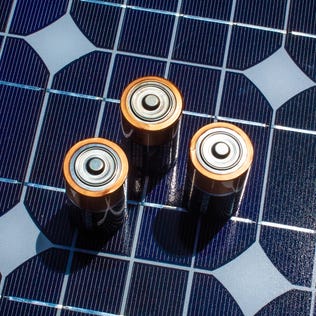
Solar batteries won't let your extra solar energy go to waste and will help keep your home powered during an outage. These are some of the best.
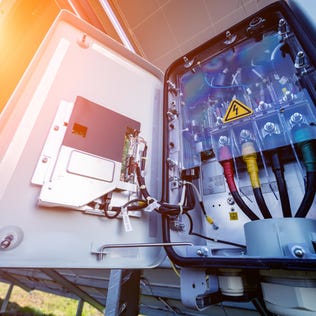
Solar inverters convert the electricity from your solar panels into usable electricity for your home. Here are some of the best.
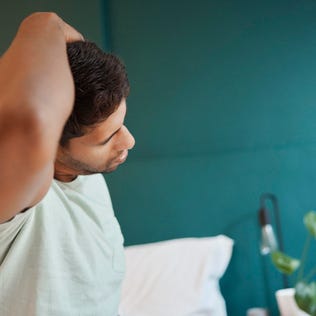
Stretching before bed can positively impact your sleep, but it's important to use the right stretches for the best night's rest.
REM and Deep sleep are two of the most important stages of sleep. Here's how much restorative sleep you need and why you should prioritize it.
Real people. Real advice.
Using roadside dispatch was a good reminder to keep track of my credit card's benefits and perks.