You don't have any anti-virus?
by MarkFlax
- 12/24/11 12:55 PM
In Reply to: Dear Bob. by communistpenguin
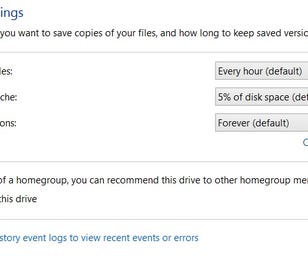
While MBAM and SAS are great compliments to an anti-virus scanner, they do not do the work of anti-virus. However although you say you don't have Norton, perhaps you do have another anti-virus and that's why Kaspersky was mentioned, which also tampers with System Restore. Malware will also try to disable System Restore to prevent you from restoring back to before it was installed.
If none, then you do need an anti-virus scanner and there are many good free ones available.
Once you've done the scans suggested in Grif's post, if there is still no noticeable improvement, then let's look at other ways.
You say Safe Mode works fine, so that seems to suggest there is something, (or plural), running on your system that is slowing it down so try these steps;
1] Open MSCONFIG, (Start > Search for msconfig and select), and open it's Startup tab. Look down the list for any and all software that has set itself to run at startup. Ignore any Microsoft entries and any firewall and anti-virus entries, and also any utilities that came with the computer like keyboard or mouse, video entries. All others can be disabled as you can run those when Windows is fully loaded and when you specifically need them. Use Google to search for those you don't know. And a tip, the column headers can be expanded by dragging the borders on them, to enable you to see full entries. Reboot the computer to see if that helps.
These startup entries load their software into RAM Memory, and if your Acer doesn't have much memory then performance may suffer.
2] If there is no significant improvement, see what "Processes" are running. Right click the Taskbar and select the Task Manager. Open the Processes tab. There's a link at the bottom to "Show processes from all users". Click that to display them all.
There's no easy way to identify processes, but if any are eating up CPU Usage time, then they might be suspicious. Again, Google can help. Click the CPU column header once or twice to list them from bottom up, ie, bottom is heavier usage. If you don't see a CPU column, select CPU Usage from View > Columns.
See if those improve performance.
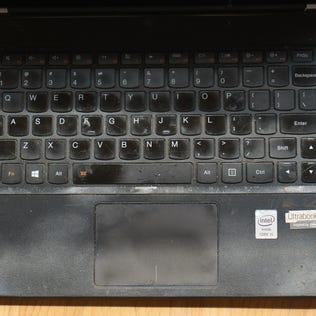
Also, since laptops need cleaning as well as Desktops, have a look atg Bob's advice about Laptop cleaning in the post below;
http://forums.cnet.com/7726-19681_102-3196452.html
As to batteries, there is no official guideline, but in general we think that 300 cycles or 2 years is about good for a battery. 300 cycles being fully charged to empty to fully charged again. All batteries degrade over time, so that's something you need to consider.
I hope that helps.
Mark

Moderator
CNET Staff
Samsung Staff
Dell Staff