A high-yield savings account is cool, but this one may be better for the trip you want to book.
Your body produces less collagen as you age, but you can keep your skin supple and your joints healthy by eating these foods.
Opening a CD today can protect your earnings from anticipated rate drops.
This debit card lets you earn rewards for eco-friendly purchases like EV charging and thrift store merchandise.
A few notable mortgage rates climbed higher. Will the housing market ever recover?
Several key refinance rates moved higher this week, but rates should start trending down in the coming months.
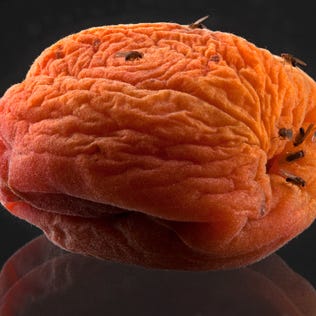
An entomologist explains why fruit fly infestations happen and how you can stop them.
You probably have all of the things you need to make your shower head look like new right in your kitchen.