Trust us, there are better spots to place your Echo than these five areas.
We'll also fill you in on what to know about all of those variants, that alleged leak, and which songs Taylor penned solo.
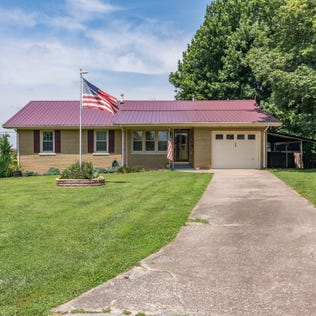
Mortgage rates are reaching the highest point so far this year.
National and local each have their own pros and cons like cost, customer experience, and quality. However, local might be the cheaper option for you.
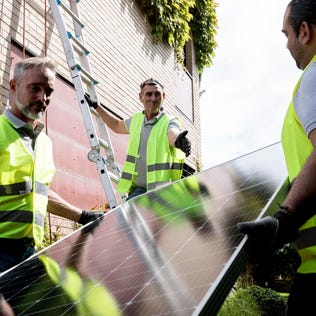
With state incentives, the decision to install solar panels becomes a lot easier. Here’s how you can save (and even earn) money with solar panels in New Jersey.
This card's rotating categories hit the sweet spots to potentially help you earn up to $320 on your next trip.
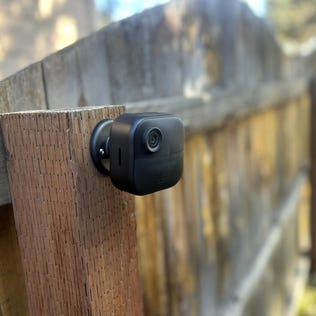
Setting up your home security cam has never been easier, with wireless models and helpful mounts. But don't be hasty with placement -- it could mean trouble.
New rules are coming for Social Security recipients who receive more money than expected because of a government mistake.