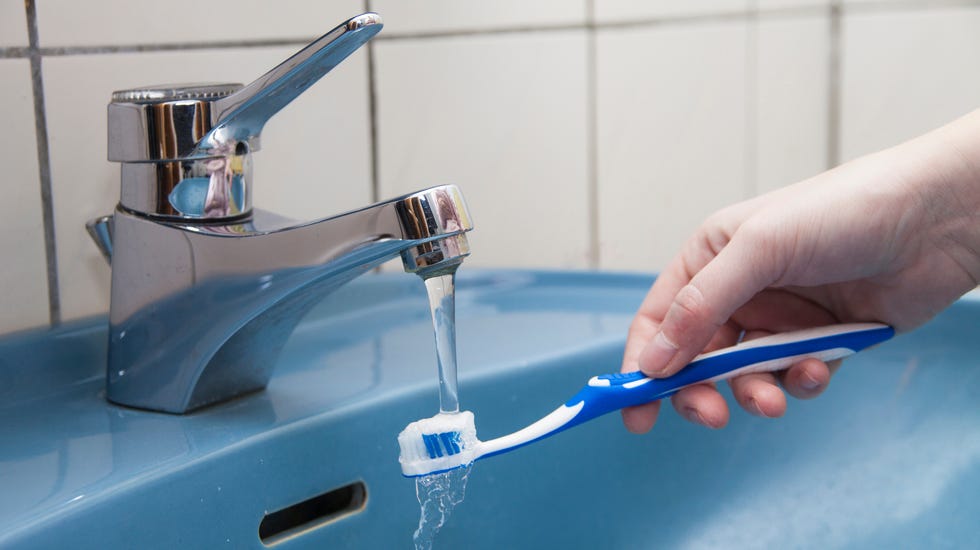
Here's proof that you don't have to sacrifice your bank account to make sustainable choices at home.
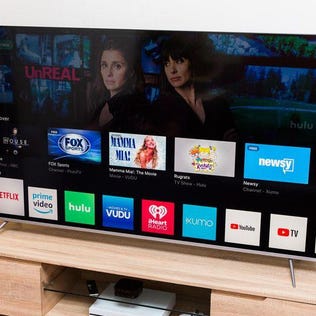
By installing a VPN on your smart TV, you can open up a world of streaming possibilities and watch your favorite shows in privacy.
Keep these hydration guidelines in mind as you make your way through your day.
Multiple key refinance rates were higher this week, so it might be worth waiting.
Maybe. The new rules are complicated, so we talked to an expert to answer your top questions.
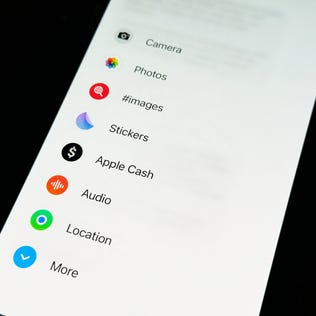
If you're not happy with the order of the apps in your text messages, you can use this trick to change it.
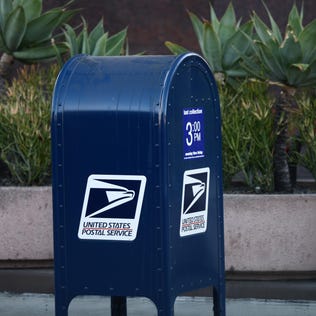
The postage stamp price increase will go into effect this summer.
Don't wait to open one of today's high-yielding CDs.