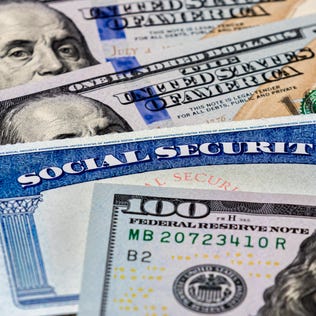
This tool can help you find out what your benefit amount will be each year.
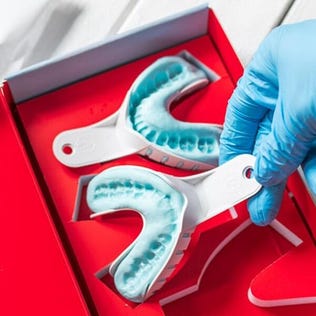
Don't want a mouthful of clunky metal? These invisible braces help straighten teeth in a matter of months.
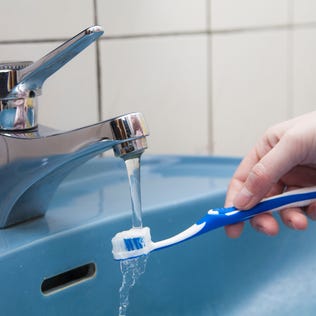
It's more beneficial for your teeth to leave the leftover toothpaste on.
The travel rewards card already offers useful perks, and now it could help you save on your summer vacation.
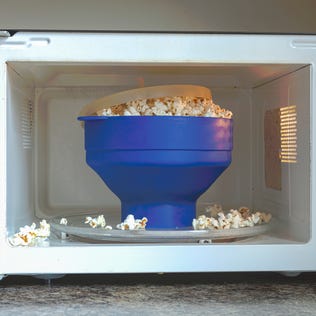
The microwave and its incessant beeping just met its match. Here's how to quiet the loudmouth kitchen appliance once and for all.
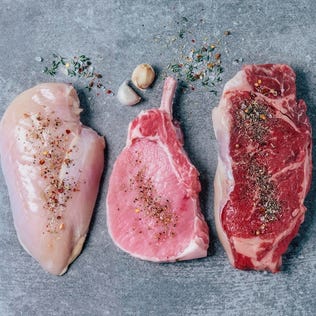
This visual guide will help you determine how much protein you need each day.
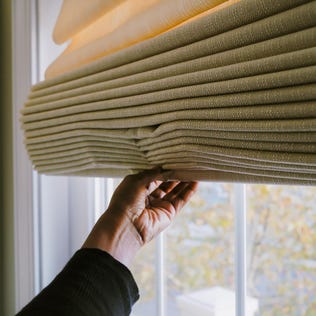
Energy-efficient window treatments can keep your home comfortable and cut your utility bills up to 20%. Here's how they work and how to choose the right product.
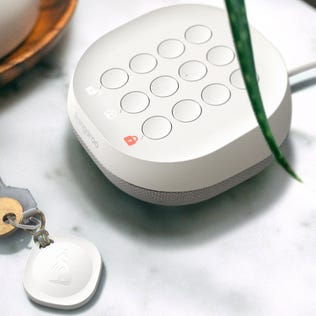
Home tech is filled with promises about insurance discounts. Here are what purchases can really help you save -- or even pay for themselves.