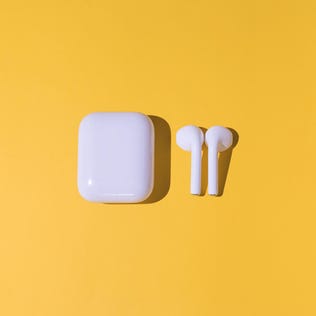
Dirty earbuds are doing nothing good for your ears. Learn how to clean them now.
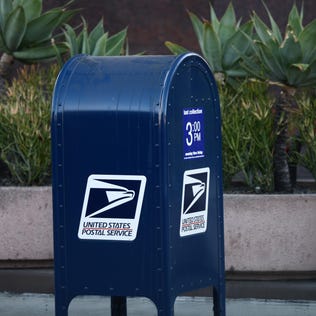
Postage stamps will be getting a bit more expensive this summer.
The NFL draft will be live from Detroit starting tonight. You can watch every pick during the three-day event on ABC, ESPN, ESPN2 and NFL Network.
Here are some reasons why your Social Security check might not have arrived, and what you can do about it.
Napping isn't the only way to get over an afternoon slump. Here's how NSDR can help you feel more energized.
The update is optional for now but it should start rolling out to all Windows 11 users next month.
Whether you have a gas furnace, a heat pump or something else, regular upkeep can save you money and keep your home's air cleaner.
You can use a HELOC to tap into your home's equity and get flexible access to cash with a revolving credit line.