A few important mortgage rates increased. Here's what to expect if you're in the market for a home loan.
Several benchmark refinance rates climbed this week, so it might be worth waiting.
Dirty earbuds are doing nothing good for your ears. Learn how to clean them now.
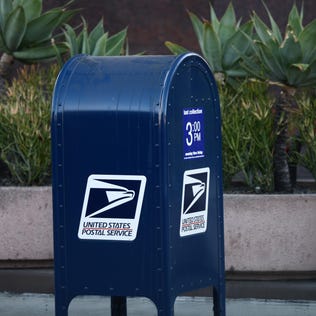
Postage stamps will be getting a bit more expensive this summer.
The NFL draft will be live from Detroit starting tonight. You can watch every pick during the three-day event on ABC, ESPN, ESPN2 and NFL Network.
It's time to dump your traditional savings account with its paltry APY for a high-yield savings account.
Here are some reasons why your Social Security check might not have arrived, and what you can do about it.
If your starter word doesn't feature E or A, rethink your Wordle strategy. Here's the entire alphabet ranked by use.