If you've wanted to journal but haven't gotten in the habit, this app could help you change that.
Clean your digital files this spring instead of paying for more storage.
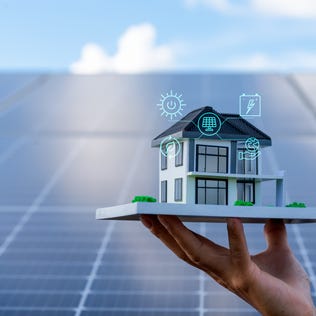
Home technology upgrades can be an expensive investment, but they could improve your property value and save you money over time.
CD rates are likely the best you'll find all year.
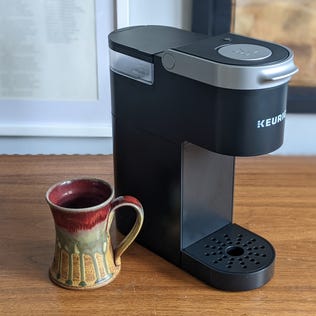
Be honest -- when was the last time you properly cleaned your Keurig?
Looking for a competitive rate? Today's top high-yield savings accounts earn more than 10 times the national average.
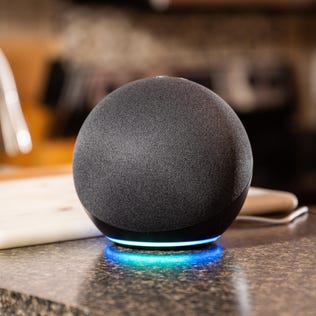
Trust us, there are better spots to place your Echo than these five areas.
We'll also fill you in on what to know about all of those variants, that alleged leak, and which songs Taylor penned solo.