Here are some reasons why your Social Security check might not have arrived, and what you can do about it.
Be honest -- when was the last time you properly cleaned your Keurig?
Looking for a competitive rate? Today's top high-yield savings accounts earn more than 10 times the national average.
Trust us, there are better spots to place your Echo than these five areas.
Mortgage rates are reaching the highest point so far this year.
National and local each have their own pros and cons like cost, customer experience, and quality. However, local might be the cheaper option for you.
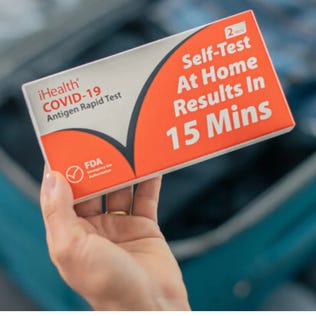
If you think you might have COVID, don't panic: You have plenty of options for free testing and treatments.
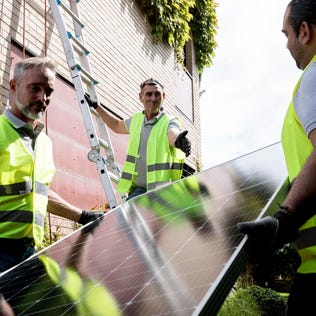
With state incentives, the decision to install solar panels becomes a lot easier. Here’s how you can save (and even earn) money with solar panels in New Jersey.