Before you decide where to keep your savings, here's what you need to know.
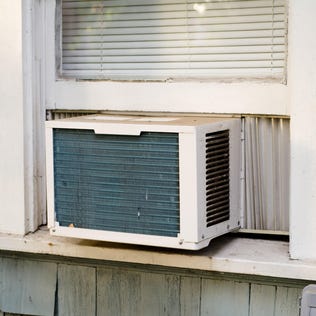
Five easy steps to make your precious window AC run better and last longer.
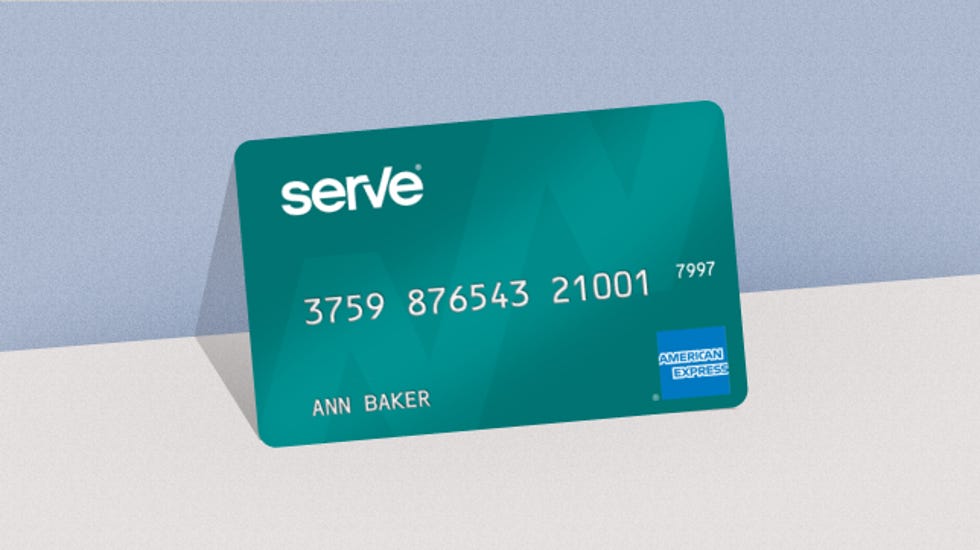
Some customers waited more than three months to get back the money in their accounts.
The travel rewards card already offers useful perks, and now it could help you save on your summer vacation.
Wordle is great and all, but Connections plays on a different part of your brain.
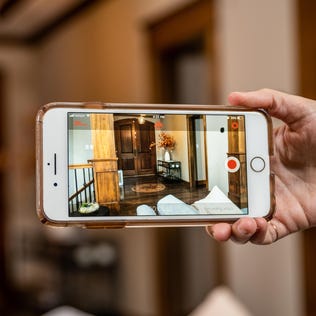
With this free software, you can give your old iPhone or Android a new lease on life.
Anyone can find themselves in debt. Being ashamed of it only makes matters worse.
The Social Security Trustees annual report this week gives a fresh estimate for how long Social Security benefit funds will last.