By regularly clearing out your cache and cookies, you can get rid of files from the web that you don't need.
If you're recycling your cans, make sure you're avoiding these no-nos.
The proposed price increases will take effect this summer.
F1 is back in China for the first time in years. Here's how you can catch all of the action.
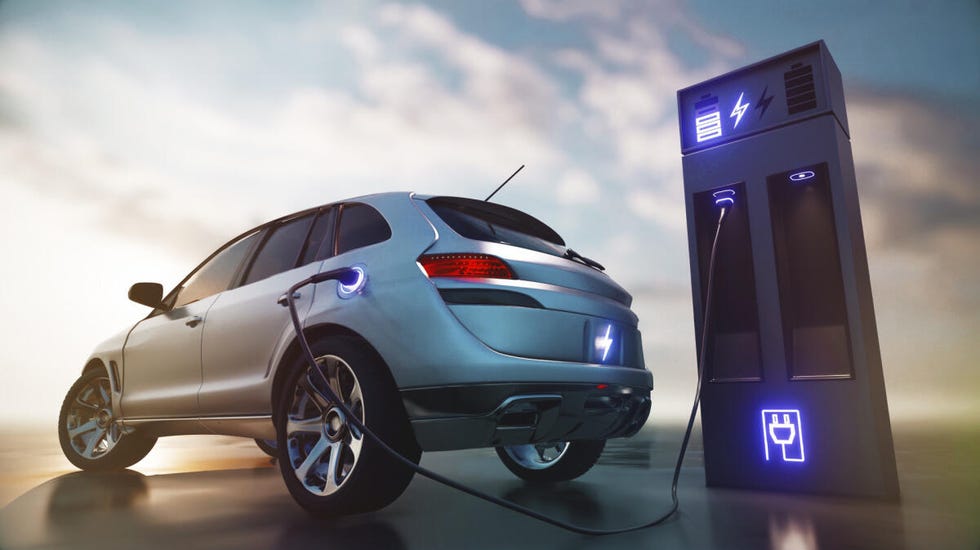
Electric vehicle charging locations are getting a boost on Google Maps, thanks to AI.
Swift's surprise double album is already breaking records as the most streamed album in a single day on Spotify this year.
Do you just need a small boost of electricity, or are you looking for a power source to last for days on end? Answering this question can help you decide.
Tax Day has come and gone. Now's the time to start tracking the status of your refund if you haven't received one yet.