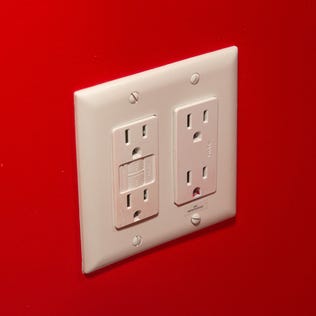
Keeping your appliances plugged in when you're not using them is costing you money. These are some of the worst offenders.
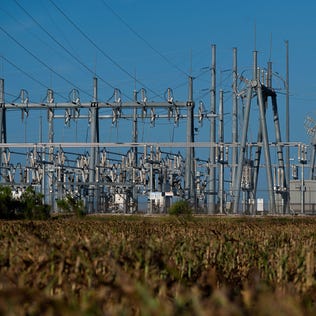
The Electric Reliability Council of Texas has a notification system for energy emergencies in the state. It's coming in handy during the current critical moment.
Wells Fargo's newest card has one key advantage over the gold standard in travel cards.
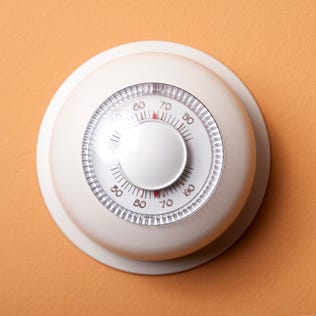
Summer is around the corner, but that doesn't mean it's time to start slacking when it comes to your thermostat. Here's the optimal temperature for you to set it to.
If you receive Social Security Disability Insurance, your April check might arrive tomorrow.
This cleaning hack only takes three ingredients to get your shower head clean and shiny in just an hour.
High savings rates won't stick around forever, so now's the time to switch to a high-yield savings account.
There's still time to score a great CD rate – but the clock is ticking.