How To
Smart tips on how to make the most of all the tech in your life, from phones and smart home gadgets to internet safety.
TOP PRODUCTS






Top How To Tips




Phones: Best How To tips




Smart Home: Best How To tips




Latest




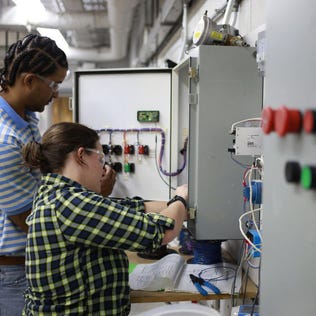
Gen Z Will Thrive on Clean-Energy Jobs. The Climate Corps Promises to Start Their Careers
The growth of renewable energy and climate tech is helping Gen Z find stability in this economy. This Earth Day, President Biden's new climate program offering training and jobs has opened for applications.
Solar
| by Mike De Socio
14 hours ago
